Clean up resources
Delete a stack on the AWS CloudFormation console
- Go to AWS CloudFormation
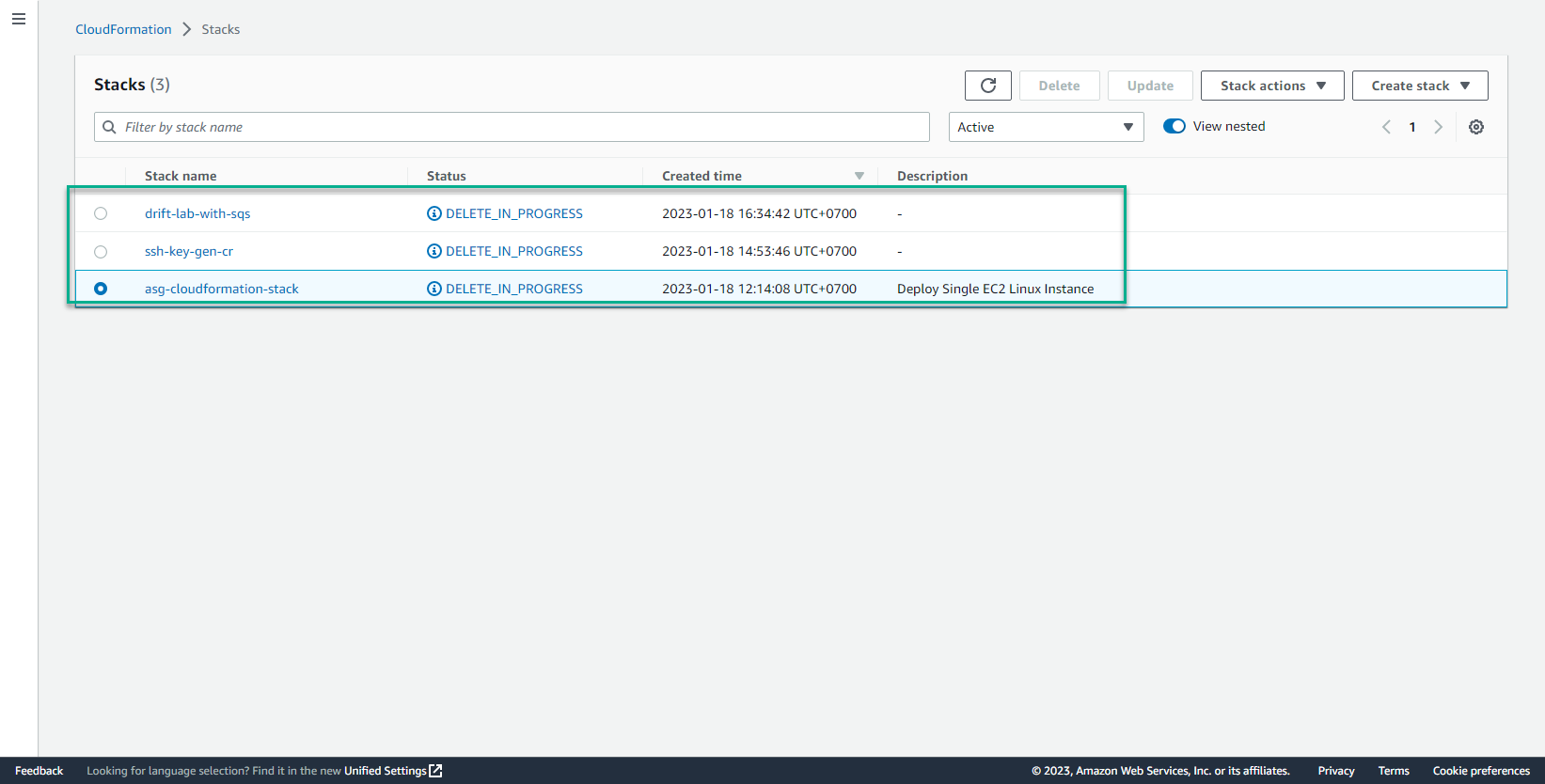
- In the interface CloudFormation select Stack
- Select Stack to delete
- Chọn Delete
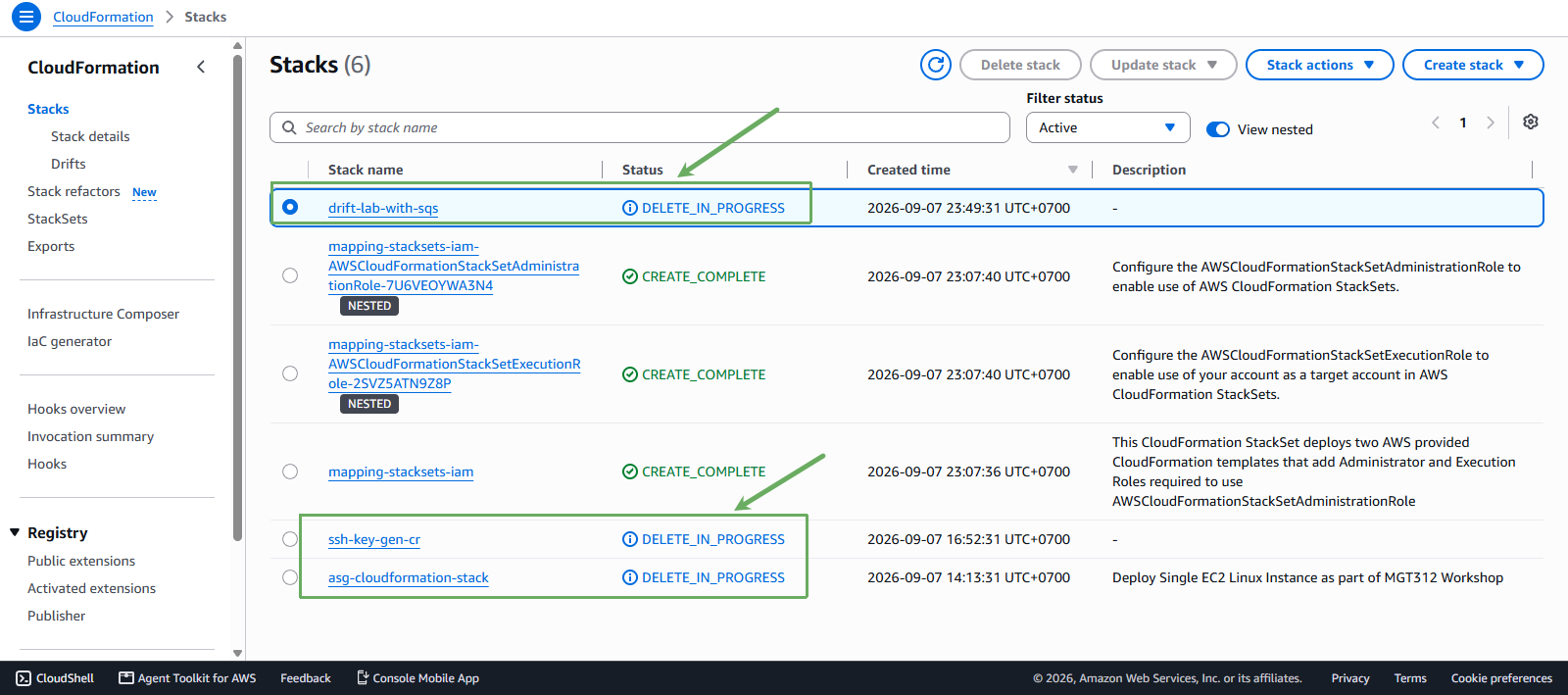
- Verify clearing stack
- Wait a few minutes for the stack to change state to DELETE_COMPLETE to be deleted successfully
Delete a stack set
- Truy cập vào trang AWS CloudFormation
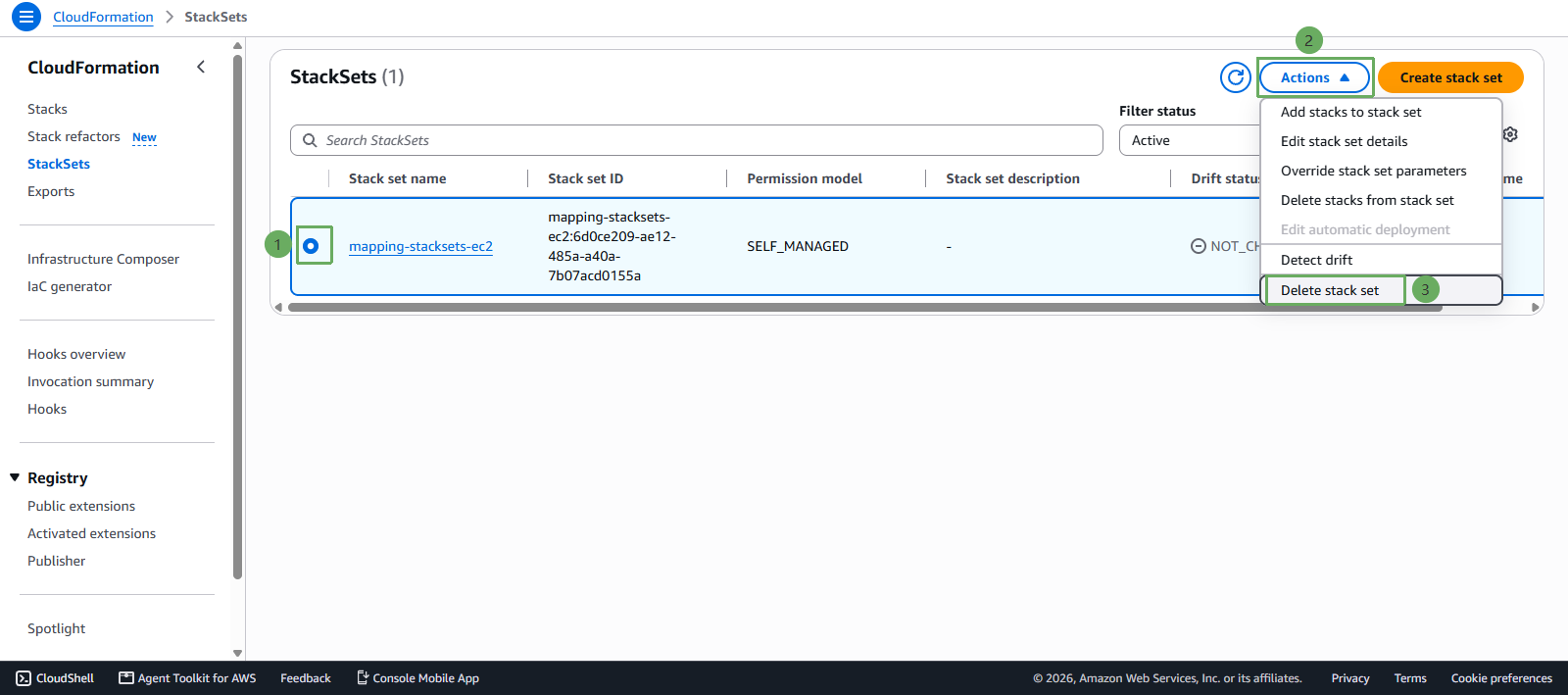
- Chọn StackSets
- Chọn Stackset cần xóa
- Chọn Actions sau đó chọn Delete stacks from StackSet
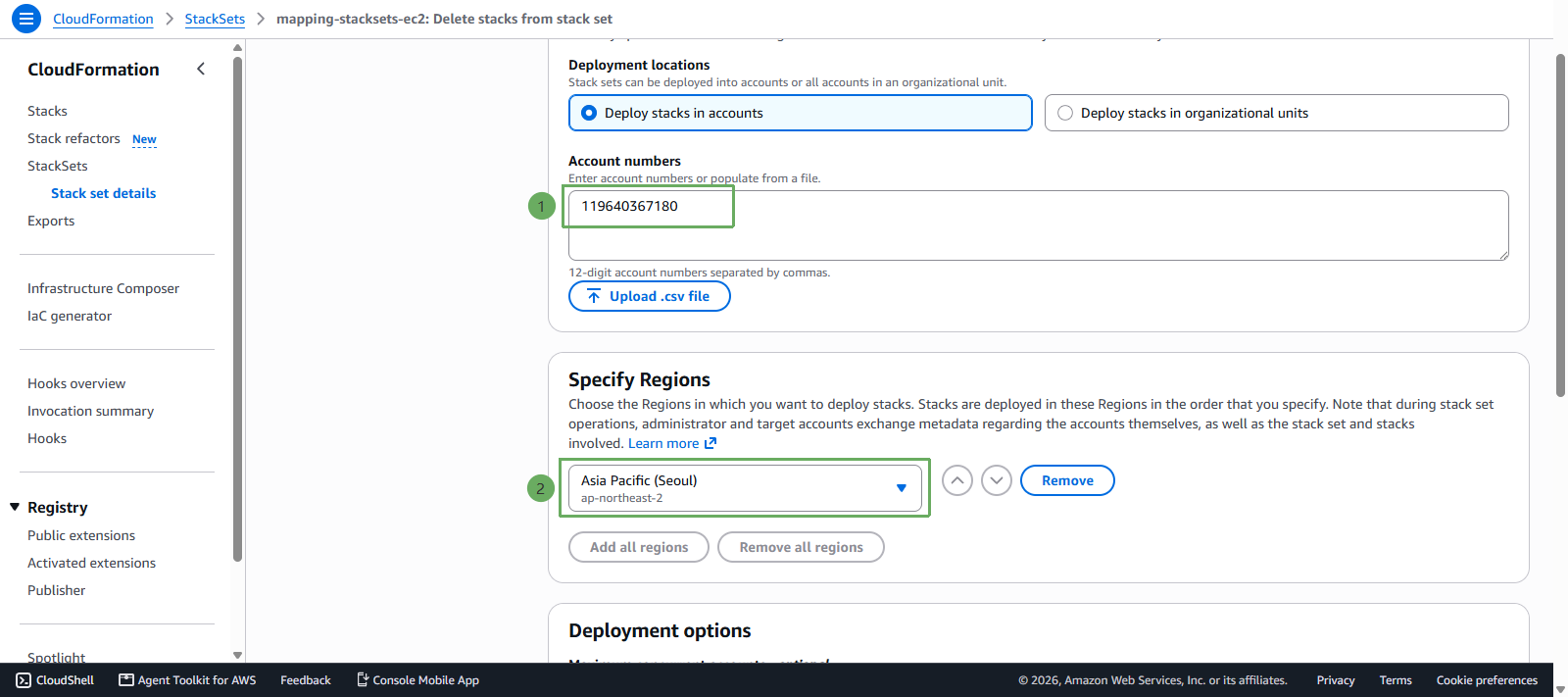
- Enter account 1xxxxxxxxxx0
- Chọn region ap-northeast-2
- Select Next then select Submit
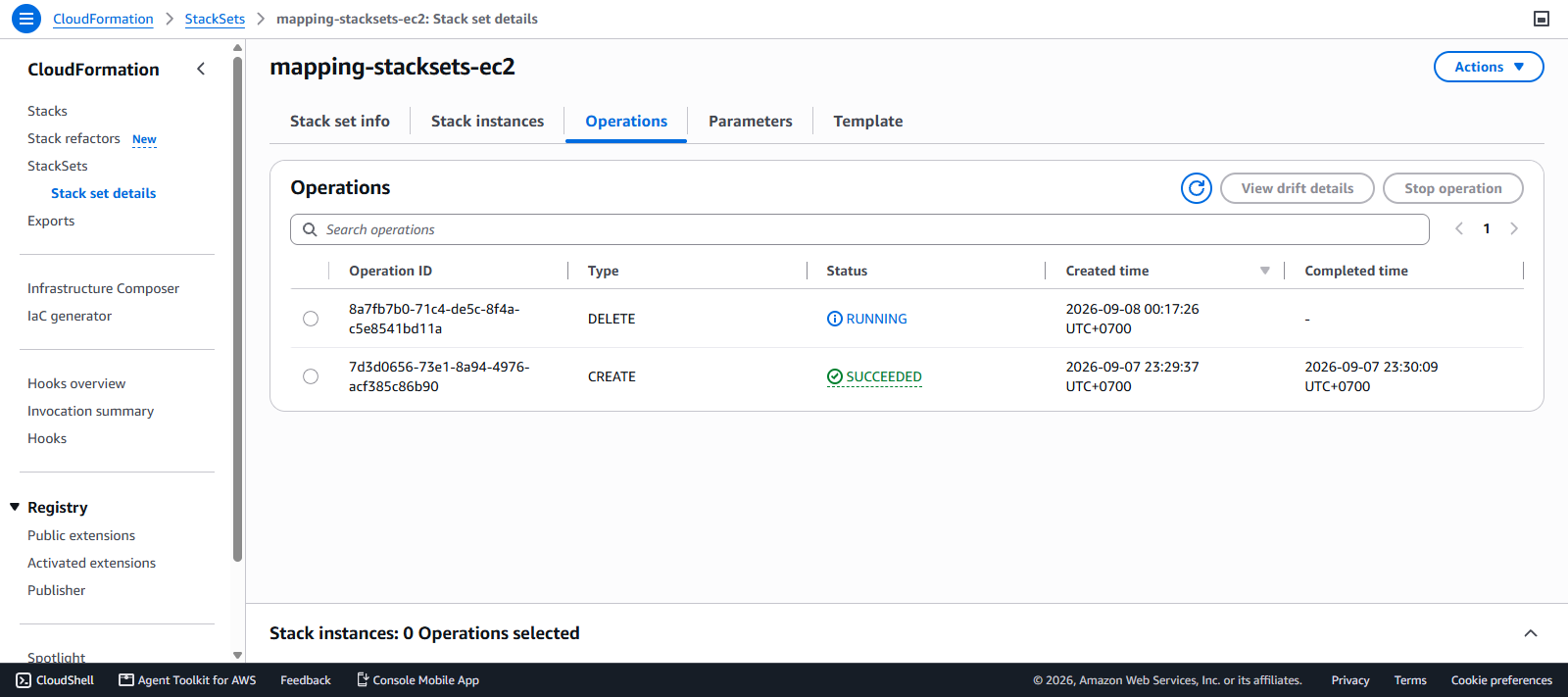
- Chọn Actions sau đó chọn Delete StackSet
- Xác minh xóa stack set và chọn Delete